

25 AI prompts for event organizers (copy and paste)
Ready-to-use AI prompts for workshops, classes and meetups: event titles, descriptions, social posts, reminder emails, FAQs and feedback forms.
· 5 min read
AI assistants are good at the writing jobs that eat an organizer’s evenings: titles, descriptions, posts, emails, FAQs. The trick is giving them enough detail. A vague request gets a vague, salesy answer; a specific one gets something you can use with a few edits.
Below are 25 prompts you can copy into any AI assistant. Replace the parts in [brackets] with your own details. Each one includes the facts the AI needs, so you get fewer generic phrases and fewer made-up details.
Before you start: the “event brief”
Most prompts below work better if you paste this short brief first. Fill it once, save it in your notes, and reuse it for every prompt.
My event:
- What: [beginner pottery class on the wheel]
- For whom: [complete beginners, adults]
- Length: [2 hours]
- Group size: [max 8]
- Price: [$45, or $80 for two]
- Included: [clay, tools, firing]
- Where: [Clay House studio, Austin]
- Tone: [warm, simple, no hype]
Do not invent facts that are not in this brief.
The last line matters. Without it, AI tools happily add “award-winning teachers” or “breathtaking views” that you never mentioned.
Titles and descriptions
1. Event titles
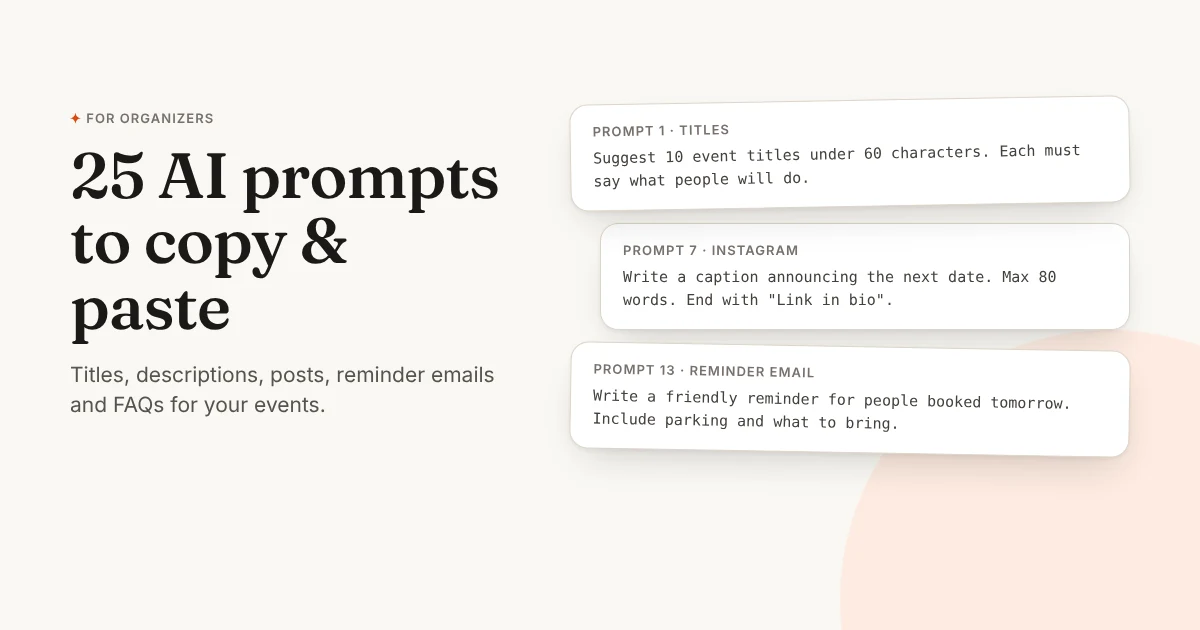
Using my event brief, suggest 10 event titles under 60 characters. Each title must say what people will do. No puns, no emojis.2. Full event description
Using my event brief, write an event description of 120-160 words: one short opening paragraph, then "What you'll do" with 4 bullet points, then "Good to know" with 3 bullet points. Write to the reader ("you").3. One-line summary
Summarise my event in one sentence of max 20 words for the top of the booking page.4. Shorter version
Rewrite this description in half the words. Keep every practical detail (time, group size, what's included). [paste description]5. Fix the tone
Rewrite this event description to sound warm and personal, like a small studio owner talking, not like an ad. Remove words like "unforgettable", "unique" and "journey". [paste description]6. Ticket names
Suggest clear names for these ticket options: [single person $45, two people $80, early booking $40]. Max 3 words each.If you use Passfinch, you can skip prompts 1, 2 and 6: describe your event in one sentence on the New event screen and the title, description and ticket types are filled in for you. See how to create an event page with AI.
Social media
7. Instagram caption
Using my event brief, write an Instagram caption (max 80 words) announcing the next date on [date]. Start with a hook that is not a question. End with "Link in bio to book". Add 5 relevant hashtags at the end.8. “Last spots” post
Write a short post saying there are [3] spots left for [event] on [date]. Friendly, no pressure, no fake urgency. Max 40 words.9. Story text
Write 3 short Instagram story texts (max 12 words each) for: 1) announcing the event, 2) behind the scenes while preparing, 3) the morning of the event.10. Facebook group post
Write a post for a local community Facebook group about my event. It should feel helpful, not like an ad: say who it's for and what they'll get. Max 100 words.11. Post ideas for a month
Give me 12 post ideas for the next 4 weeks to fill my [weekly pottery class]. Mix: behind the scenes, student work, tips, and booking reminders. One line each.Emails and messages
12. Booking confirmation note
Write a short personal message I can add to my booking confirmation: thank them, tell them what to bring and when to arrive. Max 60 words.13. Reminder the day before
Write a friendly reminder email for people booked tomorrow at [time] at [address]. Include parking: [details], what to bring: [details]. Max 90 words.14. Follow-up after the event
Write a thank-you email to send the day after my [event]. Ask for a short review, mention the next date [date] and invite them to book. Max 100 words.15. Waitlist message
Write a short message to people who wanted to come but the date was full, announcing a new date on [date]. Max 50 words.16. Cancellation message
Write a kind, clear message cancelling my [event] on [date] because [reason]. Say they will get a full refund, and offer the next date [date]. Max 80 words.17. Reply to a price question
Someone asked why my class costs [$45]. Write a short, friendly reply explaining what's included [details] without sounding defensive. Max 60 words.FAQ and policies
18. FAQ section
Using my event brief, write 6 frequently asked questions with short answers (max 30 words each): level, what to bring, accessibility, age, cancellations, gift options.19. Simple refund policy
Write a clear refund policy for a small class in 3 sentences: full refund up to [48 hours] before, no refund after, but they can send a friend in their place.20. Accessibility note
Write a short, honest accessibility note for my venue: [stairs/no lift, seating available, quiet room]. Max 50 words.Growing your events
21. New event ideas
I run [pottery classes] for [beginners]. Suggest 10 new one-off workshop ideas my regulars would book, each with a title and one line.22. Gift card text
Write a short text for my gift card page for the holidays: explain that the person receiving it chooses the date. Max 50 words.23. Class pack offer
Write a short description for a [5-class pack at $200 (instead of $225)], valid [90 days]. Clear and simple, max 40 words.24. Feedback questions
Write 5 short feedback questions to send after my [event], mixing rating questions and one open question. Keep it under 2 minutes to answer.25. Turn reviews into a post
Turn these 3 reviews into a short "what people say" post, keeping their words and not inventing anything: [paste reviews]Tips for better results
- Give facts, not adjectives. “Max 8 people, clay included” beats “intimate and all-inclusive”.
- Set a word limit. AI tends to write too much. A limit forces it to keep what matters.
- Ban the hype words. Add “No words like unforgettable, magical, journey” if the result sounds like an ad.
- Ask for options. “Give me 3 versions” and pick the best one.
- Always reread. Check every date, price and promise before you publish. You’re the one who has to keep it.
Once your text is ready, put it to work: create your booking page for free and share one link for bookings, payments and tickets. For more help with the words, read how to write an event description.