

Dance studio software: how to choose the right one for your studio
Dance studio software compared by studio type: tuition billing, recitals, drop-in classes and workshops. Which features you need, what it costs, and a checklist.
· 5 min read
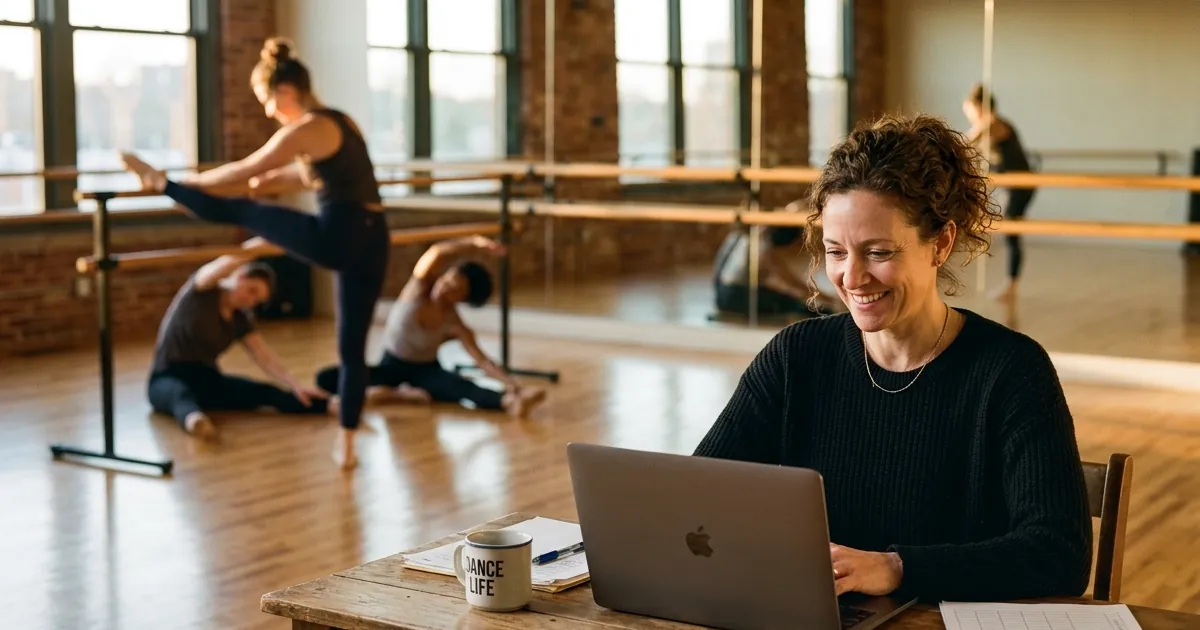
Search “dance studio software” and you will find dozens of tools that all promise to run your studio. The truth is that dance studios are very different from each other. A competitive kids’ studio with 300 students, monthly tuition and a spring recital needs something completely different from an adult salsa school that sells drop-in classes and weekend workshops.
This guide helps you figure out which kind of studio you run, which features matter for it, what dance studio software usually costs, and how to choose without paying for things you will never use.
First: what kind of dance studio are you?
Most dance studios fall into one of three groups. Knowing yours saves you hours of demos.
1. Kids’ and youth studios with seasons
Students enroll for a term or a full season, parents pay monthly tuition, and the year ends with a recital. You need registration forms, family accounts, recurring tuition billing, attendance by class roster, and recital tools (costumes, ticket sales, rehearsal schedules).
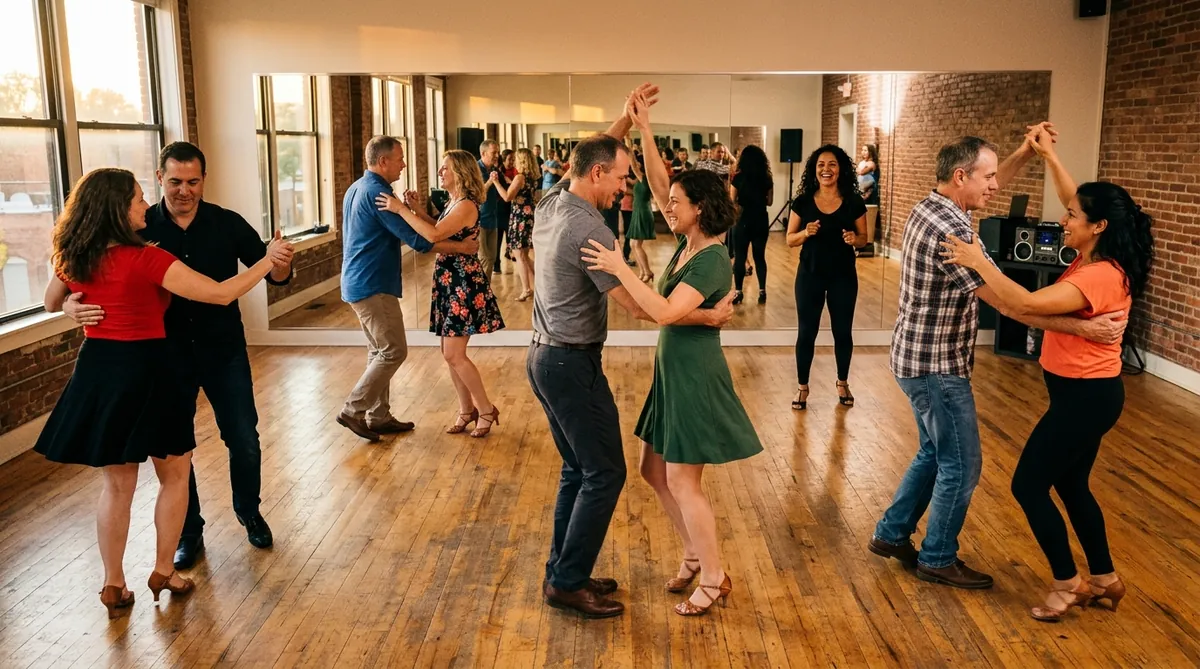
2. Adult studios with drop-ins, packs and memberships
Think salsa, bachata, hip hop, heels, ballroom or contemporary classes for adults. People come when they can. You need online booking with spot limits, drop-in tickets, class packs, memberships and quick check-in.
3. Teachers who run workshops and events
You teach in rented rooms, host intensives, bootcamps, socials or one-off workshops with guest teachers. You need a booking page per event, card payments, seat limits, reminders and an attendee list, and you probably don’t want a monthly fee for the months you don’t run anything.
Many studios are a mix. Pick the group that makes most of your money and choose software for that.
The features that matter (by studio type)
| Feature | Kids’ studio | Adult drop-in studio | Workshops and events |
|---|---|---|---|
| Online booking with spot limits | Useful | Essential | Essential |
| Card payments at booking | Useful | Essential | Essential |
| Recurring weekly classes | Essential | Essential | Sometimes |
| Season registration and family accounts | Essential | Rarely | No |
| Monthly tuition autopay | Essential | Sometimes | No |
| Class packs and memberships | Sometimes | Essential | Sometimes |
| Recital and costume tools | Essential | No | No |
| Waivers and medical info | Essential | Useful | Useful |
| QR tickets and phone check-in | Useful | Essential | Essential |
| Gift cards | Useful | Useful | Useful |
Online booking with spot limits
Dance rooms have a real limit. A heels class with 14 spots should stop at 14. Good software caps every class, shows spots left and holds a spot while someone is paying, so two people can’t take the last one.
Payments upfront
Prepaid classes are the easiest fix for no-shows. Check who processes payments, what the fees are and how often money reaches your bank.
Packs and memberships
Adult students who come every week want a better price than drop-in. A 5 or 10-class pack, or a monthly membership, rewards them and brings cash in upfront.
Recurring schedules
Your Thursday 8pm bachata class runs every week. Set it up once and repeat it, instead of creating each date by hand.
Season registration and tuition (kids’ studios)
This is where kids’ studio software earns its fee: enrollment forms, family accounts with several children, automatic monthly tuition, late fees and class rosters. If this is your business, choose a tool built for it.
Recitals
Recital tools cover costume orders, rehearsal schedules and recital ticket sales. Few general booking tools do this well, so dance-specific software usually wins here.
What dance studio software costs
Pricing comes in two main models:
Monthly subscription. Dance-specific platforms for kids’ studios usually charge a monthly fee that grows with your number of active students. At the time of writing, published starting plans for popular tools are roughly in the $49 to $165 per month range, with extras like branded apps or recital ticket fees on top. All-in-one fitness studio platforms often start higher.
Pay as you sell. Simpler booking tools charge no monthly fee and take a percentage of each paid booking instead. You pay nothing in a slow month, which fits adult drop-in classes and workshops.
To compare fairly, estimate your monthly sales and calculate the total cost of each option, including card processing. A monthly plan is often cheaper for a big kids’ studio, and a pay-as-you-sell tool is often cheaper for a small adult studio or a teacher who runs a few events a month.
How to choose: a quick checklist
- Which group is my studio in: kids’ seasons, adult drop-ins, or workshops?
- Do I need monthly tuition and family accounts, or just booking and payment?
- Can I cap each class at the real size of my room?
- Can students pay by card when they book?
- Can I sell packs, memberships and gift cards?
- Can I repeat my weekly schedule easily?
- Can I check people in from my phone?
- What will it cost in a slow month, and in my busiest month?
- Can I try it for free before I commit?
A simple option for adult classes and workshops: Passfinch
Passfinch is a booking tool for classes, workshops and small events. It is not a full kids’ studio management system: it doesn’t do season registration, family accounts, tuition autopay or recital costumes. If that is your business, a dance-specific platform will fit better.
For adult drop-in classes, intensives and workshops, it covers the core:
- Booking pages with spot limits, with spots held during checkout.
- Weekly repeating classes, set up once.
- Drop-in tickets, class packs and monthly memberships.
- Card payments, paid out to your bank every week.
- QR tickets, reminder emails and phone check-in.
- Gift cards students can buy for friends.
It costs $0 per month: 3% of each paid ticket plus card processing, and nothing on free events. See how it works for dance classes or compare all features.
Quick recap
- Decide first what kind of studio you run. It decides almost everything else.
- Kids’ studios need registration, tuition billing and recital tools: choose dance-specific software.
- Adult studios and workshop teachers mostly need booking, payments, packs and check-in.
- Compare total cost at your real monthly sales, not just the advertised monthly fee.
Planning to open your own space? Read how to start a dance studio. Ready to take bookings? Create your booking page for free.
Passfinch is not affiliated with other studio software providers. Prices for other platforms change often; always check their current pricing pages.